Common problem
Your Mac won't turn on.
Stay calm.
We know how it feels when you press the power button and nothing happens. A Mac that won't turn on does not necessarily mean lost data. It means the hardware has a problem. The data, in most cases, is still intact in the device's memory — just inaccessible by conventional means.
Common causes
- Damaged power management chip
- Board failure after power surge
- Liquid damage to boot components
- T2 chip or Apple Silicon controller failure
- Corrupted or locked NVRAM
- Completely discharged or dead battery
What we do
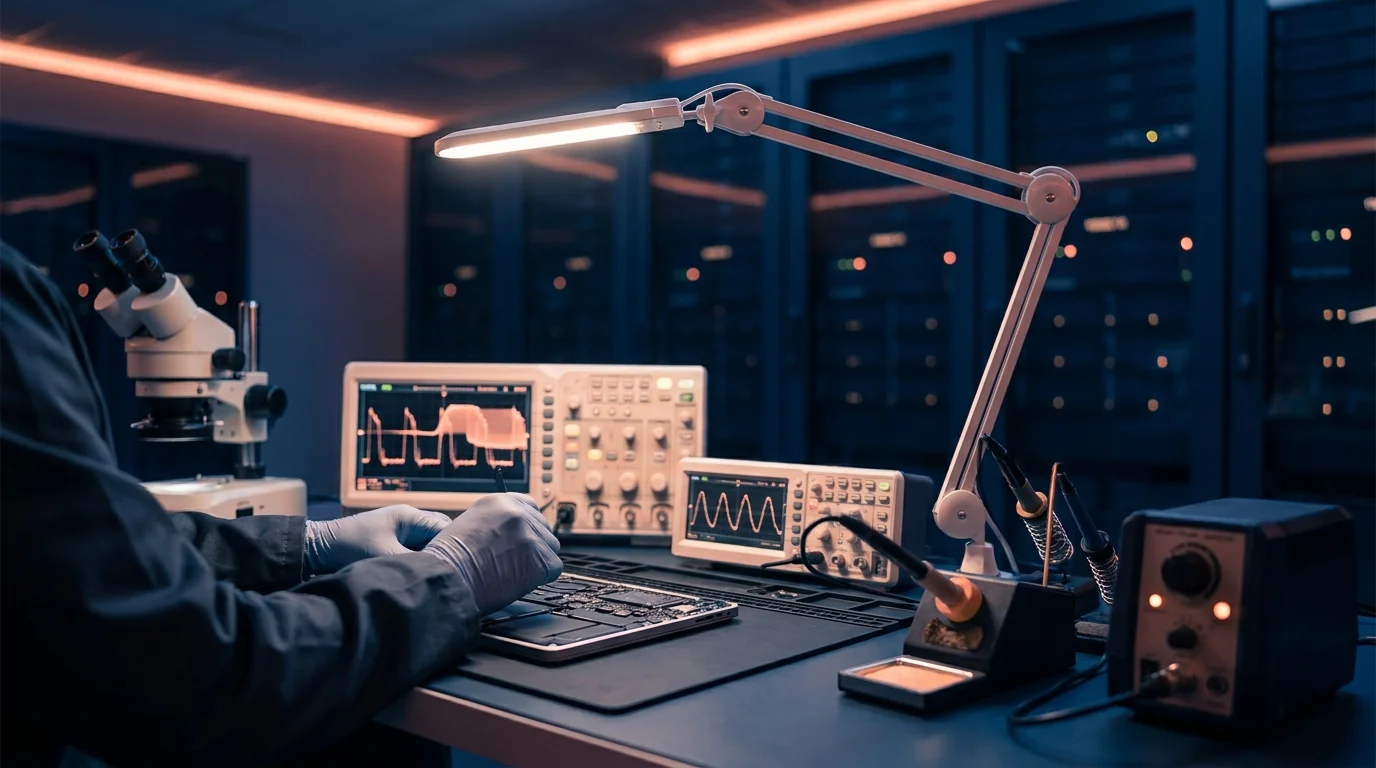
- Board-level diagnosis with oscilloscope
- Identification of the failed component or chip
- Assessment of storage condition
- Data extraction with specialised tools
- Delivery on external drive or download link
Todo lo que necesitas saber
Questions about Mac that won't turn on
Avoid repeatedly plugging and unplugging the charger, trying to boot into recovery mode many times, or taking the device to a workshop that opens it without Apple expertise. Each unnecessary intervention can complicate the recovery later.
Yes. If the failure is electrical or firmware-related, the NAND memory where the data is stored may be perfectly intact. This is one of the most common scenarios and, paradoxically, one of the most optimistic from a data recovery perspective.
The initial diagnosis takes between 24 and 48 hours from the moment we receive the device. After that, we send you a quote and you decide whether to proceed.
¿Tu Mac no enciende? Cuéntanos tu caso.
Diagnóstico gratuito. Sin datos recuperados, solo pagas el porte. Recogida en toda España.